 Niwa
Before you begin#
You need the following:
- A desktop or laptop computer with a keyboard and a mouse or trackpad.
- A current desktop browser with WebGL 2 and hardware acceleration enabled.
You do not need an account or a wallet to enter the world.
Note: Niwa does not have touch controls. Phones and tablets are not supported.
Enter the world#
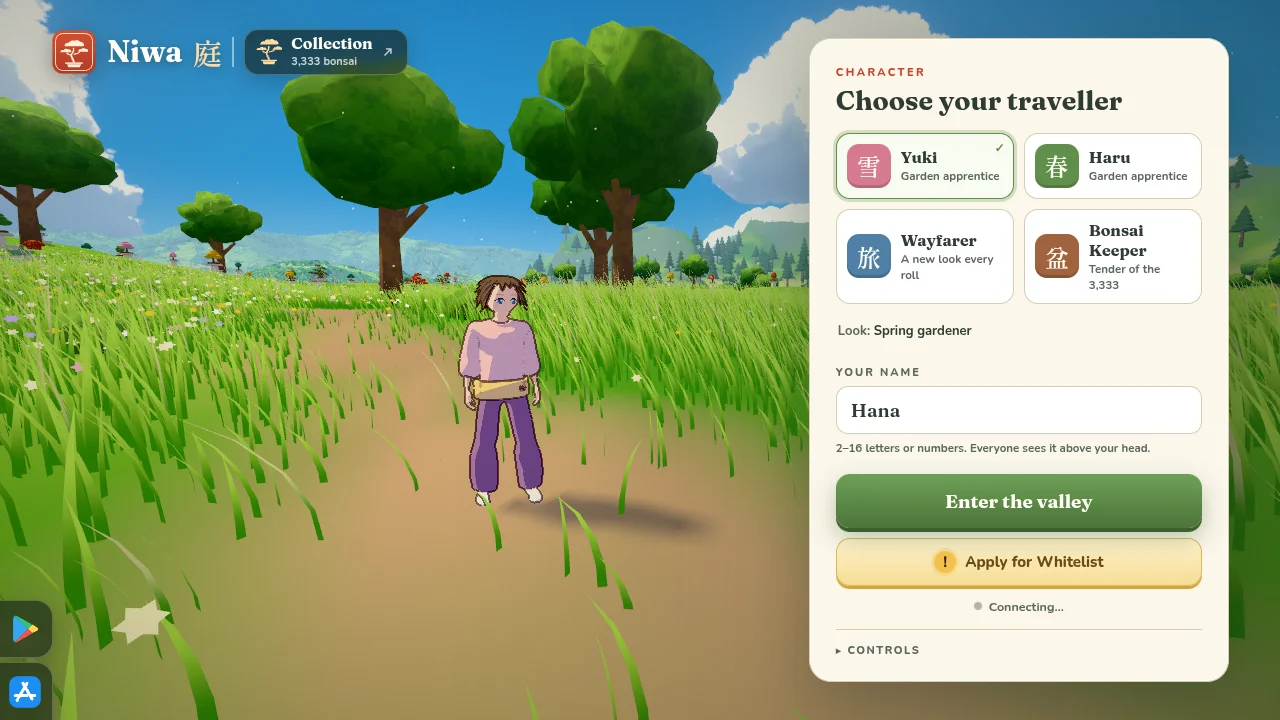
- Open playniwa.com.
- Select a character.
- In Your name, enter 2 to 16 characters. Other players see this name.
- Click Enter the valley. The browser locks the pointer so that the mouse controls the camera.
Move around#
- Move the mouse to look around.
- Press W, A, S, or D to walk.
- Hold Shift to run.
- Press Esc to open the menu.
For all keys, see Controls.
Improve performance#
If the frame rate is low, open the world in low quality mode:
https://playniwa.com/?q=lowPress F to show the frame rate. The client also lowers its render resolution when the frame rate stays below 48 frames per second.